Websites · Developer tools
Component Docs Page Template
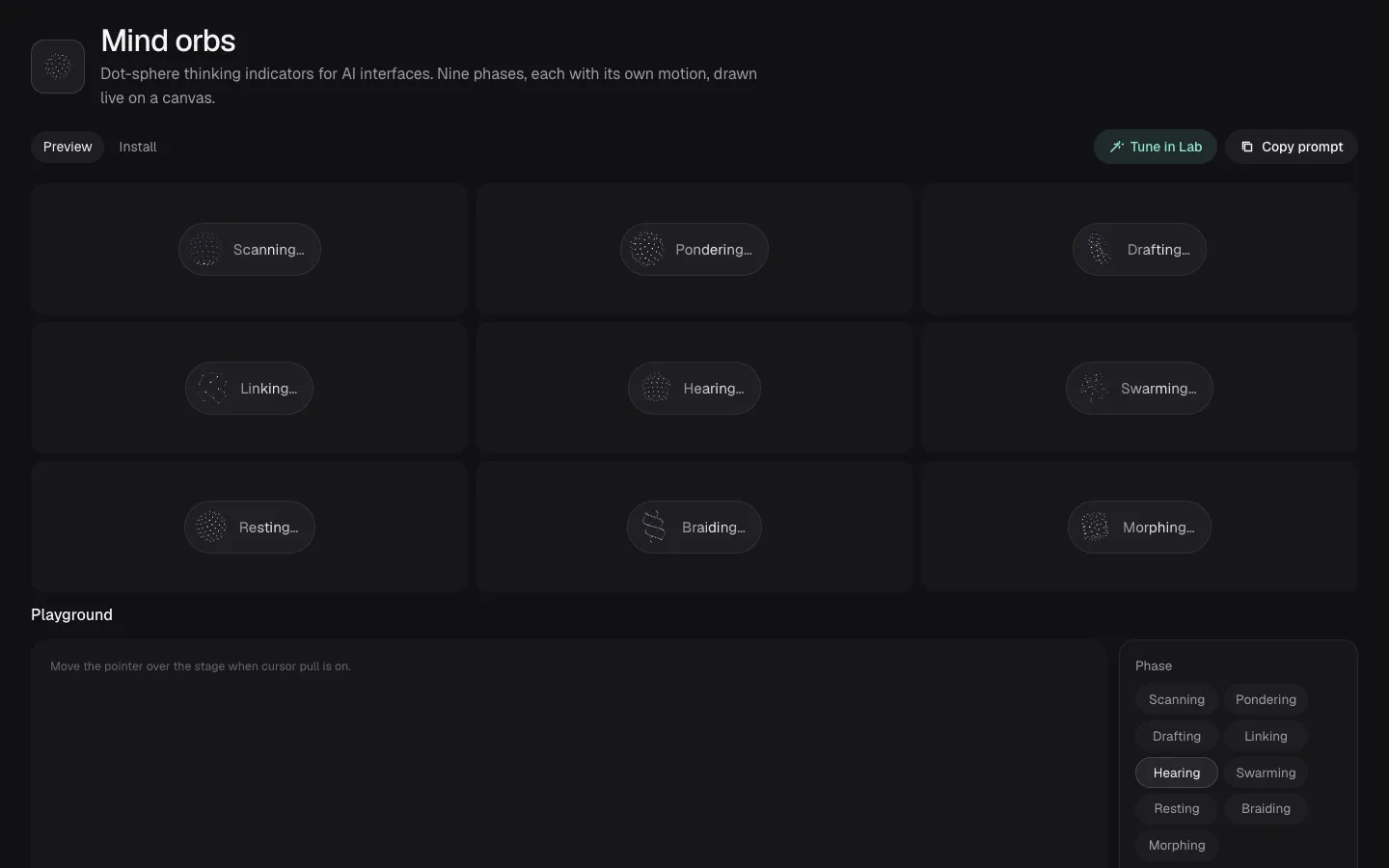
A dark, full-width reference page for one UI effect, built around nine animated thinking orbs. Compare every state side by side, tune one in a live playground, and copy the element, its attributes and a ready-made prompt for your AI into any Beepflow page.
- Type
- Website
- Sections
- 7
- Works on
- Desktop and phone
- Fonts
- Geist and Geist Mono
What is in the component docs template
7 parts on one page, in this order.
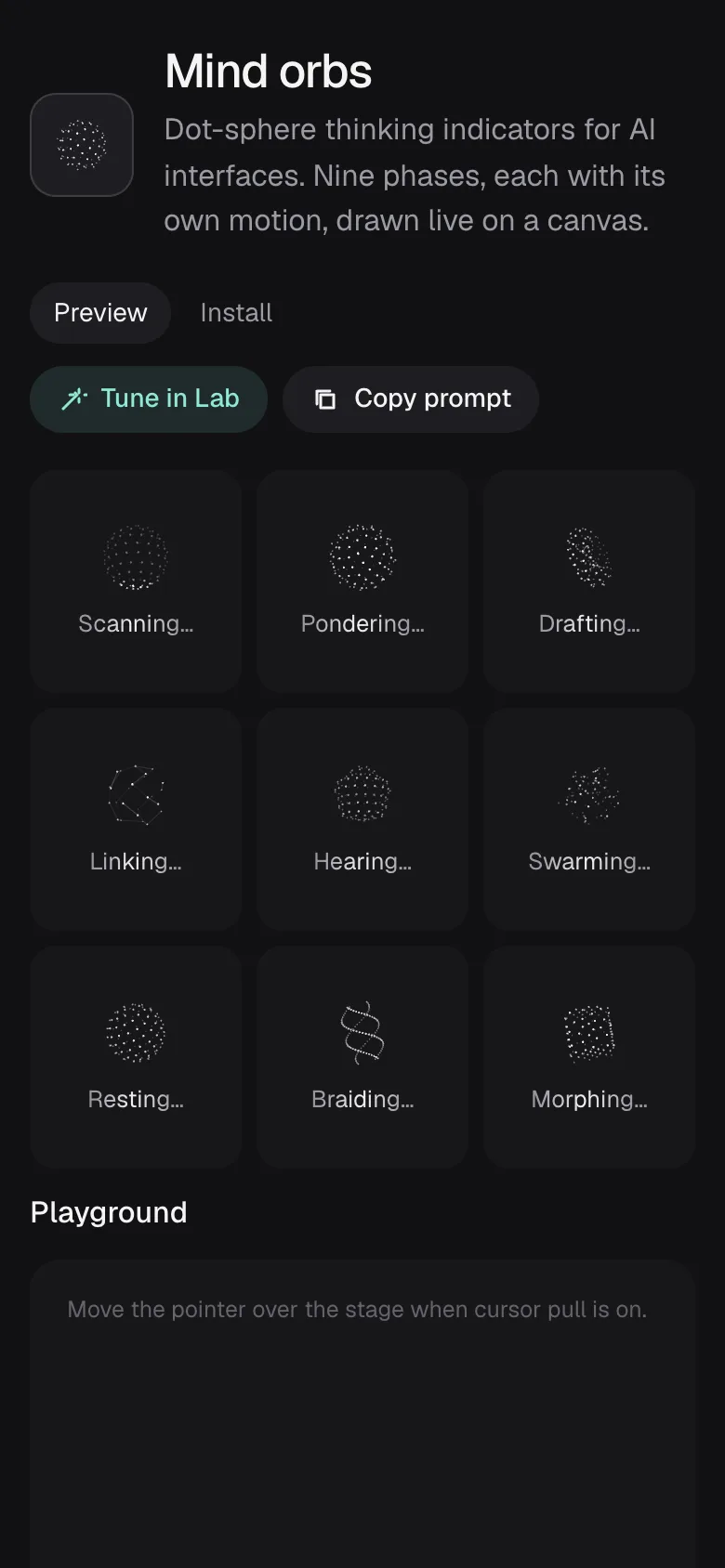
- Effect headerA tile with a live orb, the effect name and a one-line description.
- ToolbarPreview and Install tabs, with Tune in Lab and Copy prompt buttons.
- ExamplesAll nine orb phases in equal tiles, three by three or in one row on very wide screens, with labels that shimmer while they run.
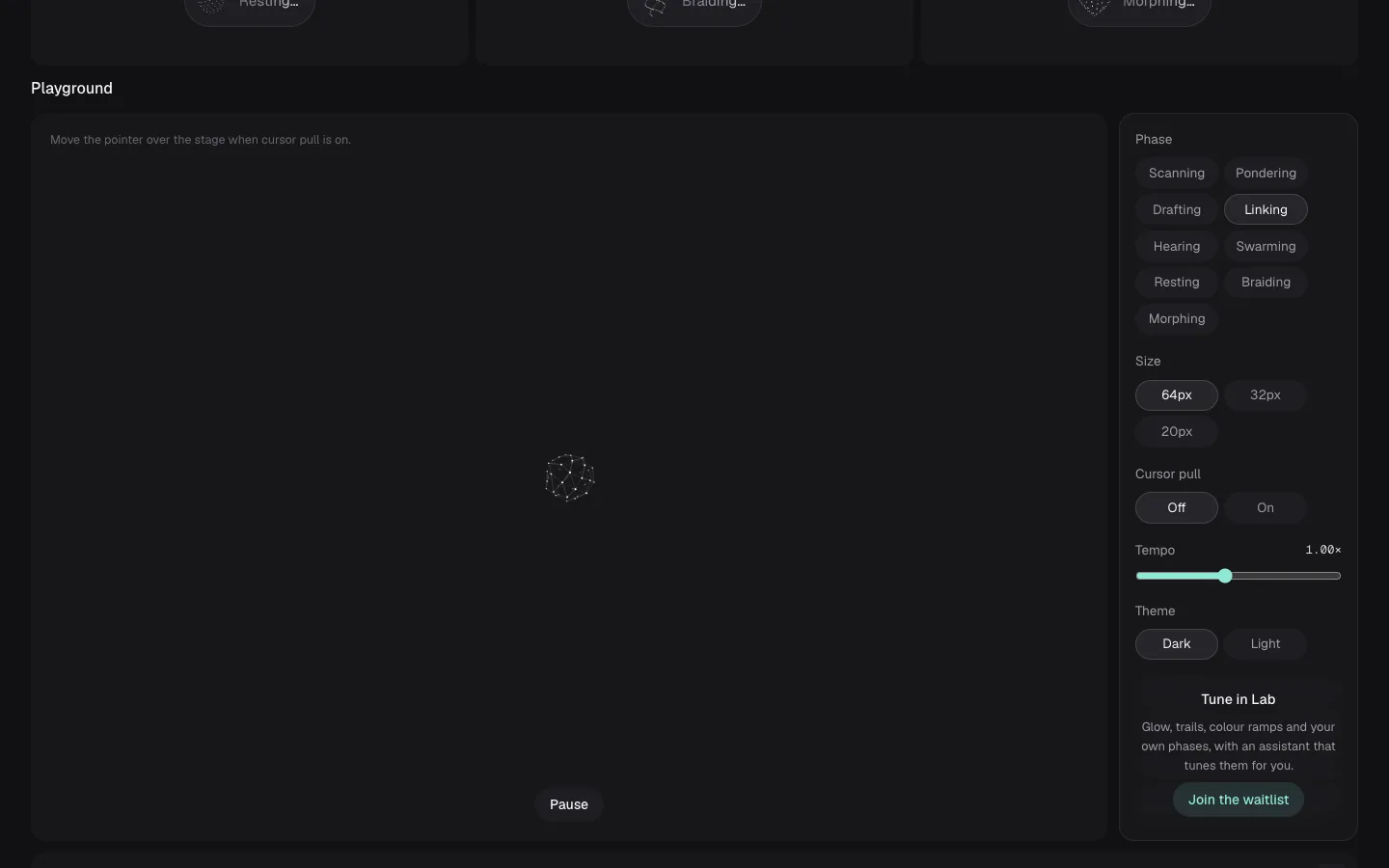
- PlaygroundA large stage with controls for phase, size, cursor pull, tempo and a light or dark theme, plus a locked Lab panel.
- Live codeA mind-orb tag that follows the playground settings, with a copy button.
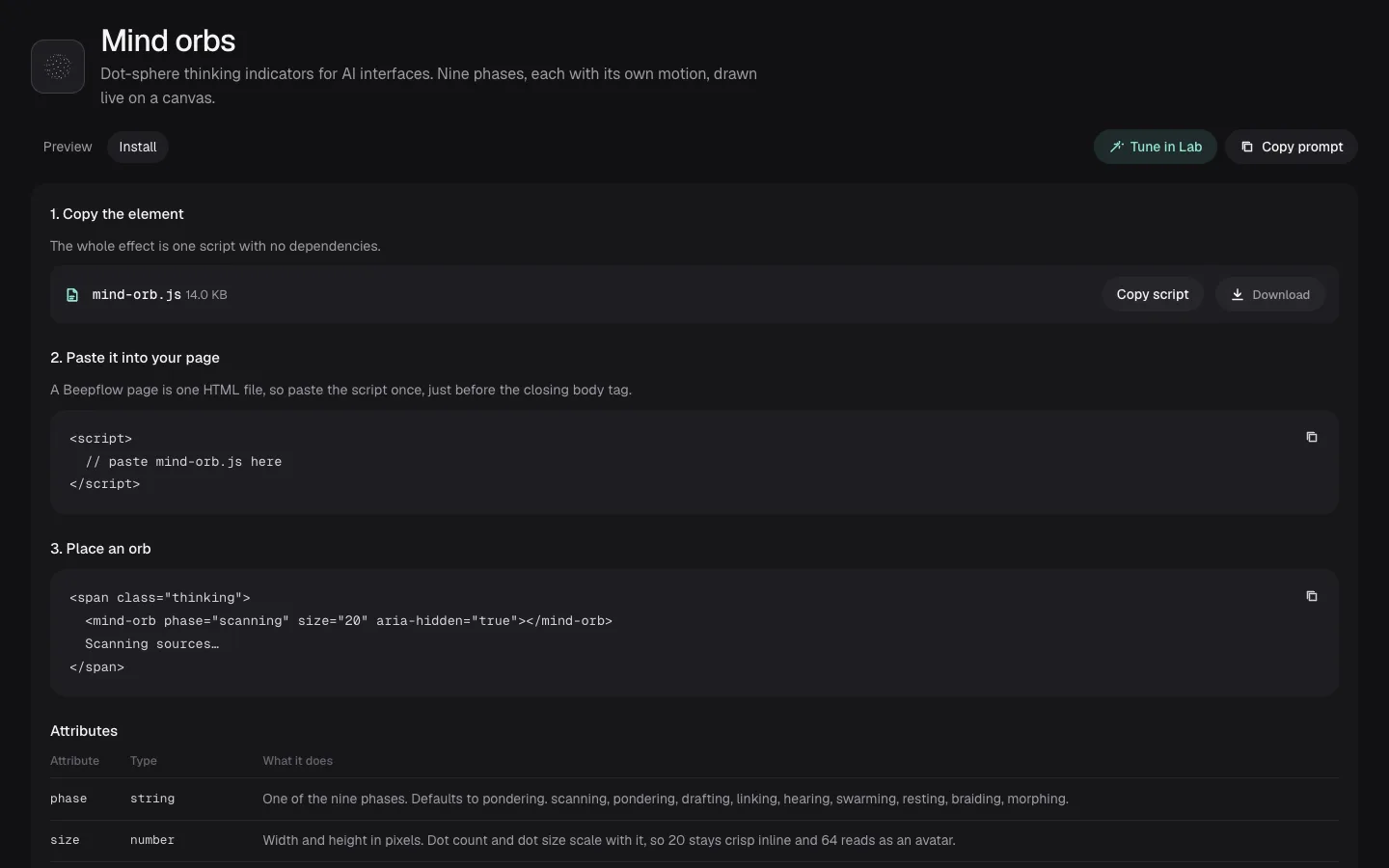
- InstallThe orb script to copy or download, where to paste it in a Beepflow page, how to place an orb, an attributes table and an accessibility note.
- Lab waitlistA short email form in a dialog, opened from Tune in Lab and the locked panel.
Orbs you can tune and take with you
- Each orb is a real
<mind-orb>element drawn on a canvas: one file, no dependencies, in nine phases that each move their own way. - The playground changes phase, size, tempo and theme live, and with cursor pull on the dots lean towards the pointer.
- The tag under the stage rewrites itself for the settings you pick, ready to copy.
- Copy prompt puts a full set of instructions for adding the orb to a Beepflow page on the clipboard, for whichever AI you use.
- Orbs stop drawing while they are off screen, and show a single still frame for people who prefer reduced motion.
Who it is for
- Teams building AI chat and agents
- Design system teams
- Makers of UI component libraries
- Developer tool startups
- Designers prototyping agent states
- Front-end engineers
Make it yours with your AI
Connect Claude, Codex or Gemini to Beepflow, then describe the changes. The copy, phases, playground options and install steps sit in one config block at the top of the page, and the orb motion lives in its own script, so your AI changes one without breaking the other. It builds the page in your Beepflow space, and Beepflow hosts it.
- Prompt 1
“Build a docs page from beepflow.com/templates/component-docs/preview for our chat components. Keep the layout and document our typing indicator instead of the orbs.”
- Prompt 2
“Add a tenth orb phase called retrying that shivers twice and pauses, and show it in the examples and the playground.”
- Prompt 3
“Connect the Lab waitlist form to a workflow that saves each email and sends me the new sign-ups every morning.”
Questions
Can I use the orbs in my own Beepflow pages?
Yes. The orb ships with the template as one script, mind-orb.js, with no dependencies. Copy it from the Install tab of the live preview and paste it once into any Beepflow page, or press Copy prompt and let your AI add it.
Does the Lab waitlist collect emails?
No. The live preview checks the address and shows a confirmation, but sends and stores nothing. In your own Beepflow space, ask your AI to connect the form to a workflow, for example one that saves each email and sends you the list. Webhook calls are unlimited on every plan, including Free.
Is Pondlight a real library?
No. Pondlight, its effects, its Lab and every name in the preview are made up for the template. Replace them with your own before you publish.
How do I change the copy, effects and orbs?
The names, copy, phases, playground options and install steps live in one config block at the top of the page. Each orb phase is a short function in the orb script, so new motion means a new function. Edit them yourself or ask your AI. You can also leave notes on the page in Beepflow and ask your assistant to work through them.
Can I put it on my own domain?
Yes. Pages publish on your own domain, and custom domains are included from the Starter plan. See pricing for details.
Is it free?
Starting on Beepflow is free: the Free plan needs no card, and page views are unlimited on every plan.